What exactly is free, and what costs money?
+
Capturing a whole page is free and unlimited, forever, and so is picking
a region. So is the whole editor: crop, trim, blur, highlight, resize,
draw and undo, and so is Polish's live preview on your own screenshot.
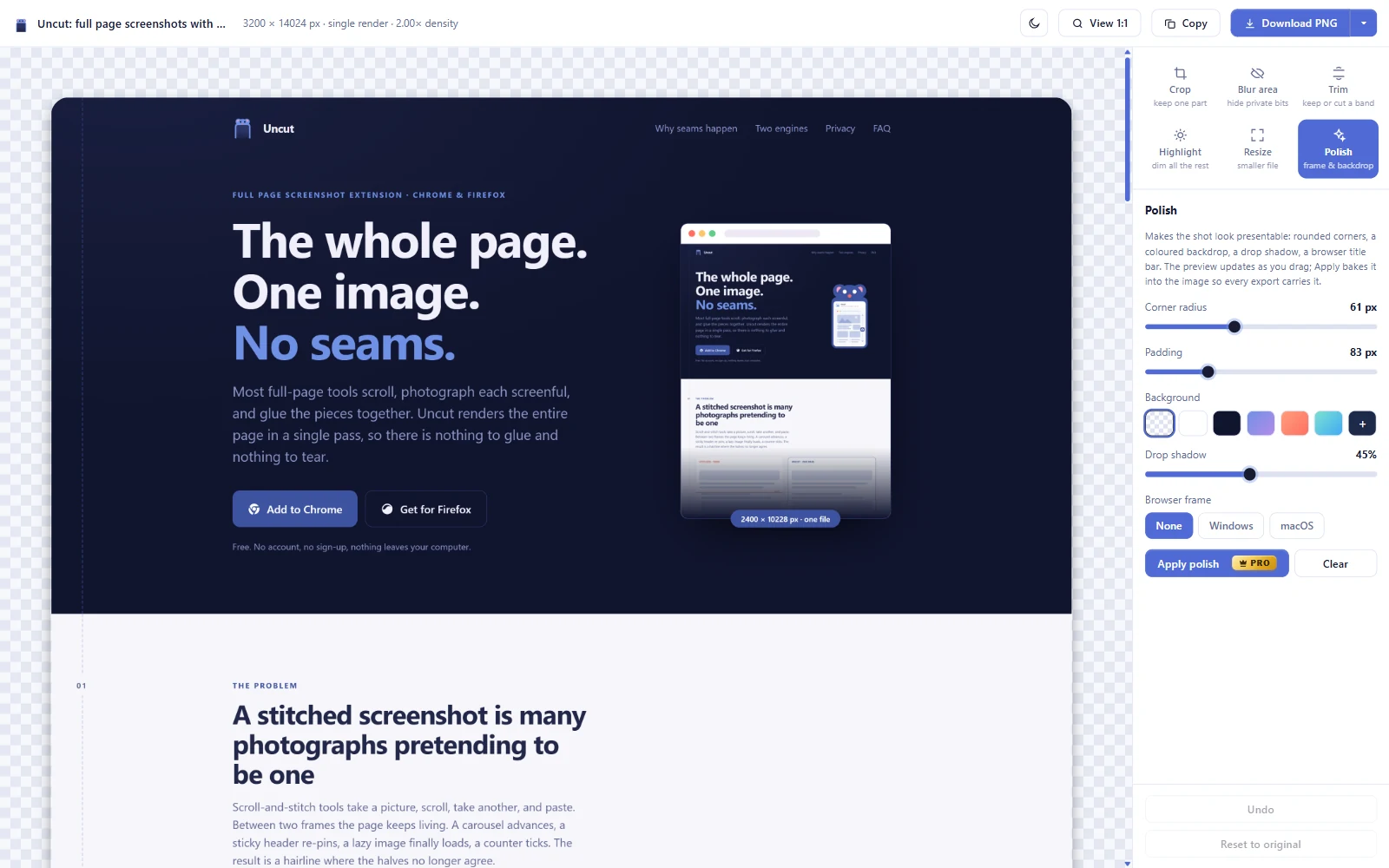
What costs a credit is carrying a result away, or a capture that takes
real work: baking Polish in, exporting PDF or SVG, saving each width as
its own file, opening a basket, capturing a scrolling panel inside a
page, and re-shooting a page at several widths. The free tier gets 5 of
those every 3 days and they refill on their own. Pro removes the limit
entirely. A credit is only ever spent on a capture that worked.
Does Uncut phone home now that there is a paid tier?
+
Only if you buy it, and only about the key. Activating Pro sends your
licence key to Gumroad to ask whether it is genuine, and repeats that
check about once a week so a refunded licence stops working. No image,
no page address, no email, no identifier. If you never buy Pro, Uncut
makes no network requests at all, and either way your captures are
made on your machine and stay there. The
privacy policy spells it out.
I bought Pro. How do I put it on a second computer?
+
Paste the same key again. It is a lifetime licence for you, not for one
machine, and there is no account to sign into anywhere. Keep the receipt
email: the key is in it. If the key ever stops working, reply to
that email and it will be sorted out.
Why does Chrome say Uncut is debugging my browser?
+
Because it is, in the narrow technical sense. The one-pass engine uses
the DevTools Protocol, the same channel DevTools itself uses, and Chrome
warns you any time an extension opens it. That warning is a good thing:
it means you can always see when an extension has that level of access.
Uncut attaches when you click capture and detaches when the image is
ready. If you would rather never see it, use Scroll & stitch.
It failed on one page. What happened?
+
Most often another debugger already holds the tab. DevTools being open
is the usual culprit, since Chrome allows only one per tab. Close
DevTools and try again. Chrome's internal pages and the Web Store are
off-limits to every extension, and always will be.
Is there a limit to how tall a page can be?
+
Yes, and it is the browser's, not ours. Past a certain pixel area a
render comes back correctly sized with the overflow simply not drawn,
silent, and easy to miss. Uncut checks for exactly that and says so
instead of handing you a quietly broken file.
Does it work in Firefox?
+
Scroll & stitch does. One render does not, and cannot, because Firefox
gives extensions no equivalent of the DevTools Protocol. The Firefox
build ships with the fallback engine and says so in the popup rather
than offering a button that fails.
Why should I trust it with my pages?
+
Don't take it on faith, check it. Unpack the extension folder and search
it: six files, no bundler, no minification, nothing hidden. You will
find exactly one network call in there - Uncut Pro asking Gumroad
whether a licence key is real - and nothing that touches your pages,
your images or your browsing.